
Splashtop SOS – Remote Support
Splashtop
Downloads
100,000+
Source
Google Play
Advertisement
Click to download now, finish the installation quickly, and directly unlock the all-round experience
Advertisement
Screenshots
Click to download now, finish the installation quickly, and directly unlock the all-round experience
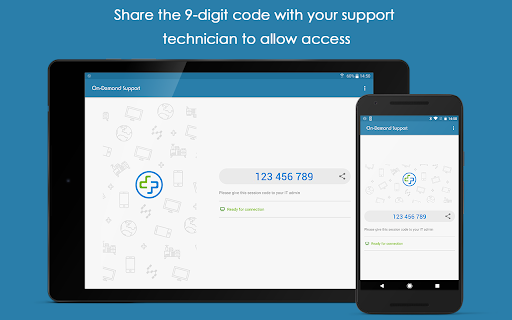
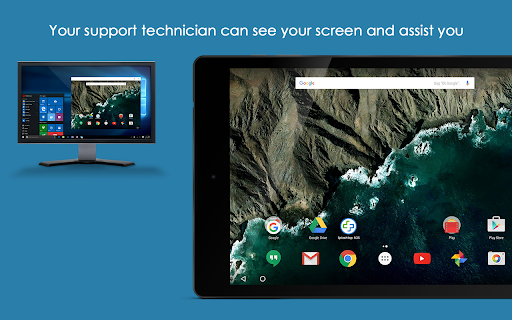
Splashtop SOS – Remote Support is a Tools app for getting help with a device while you are using it. It lets a technician connect for screen sharing and guide you through a problem in real time. It suits people receiving support from an IT team or other technician, rather than anyone looking for a general-purpose remote desktop app.
The app can also support chat, file management and remote printing during a session. Some devices may need an additional permission or add-on for remote control; the available control options can depend on the device.
A session code is part of setting up a support connection, so treat it as sensitive: share it only with a technician you know and trust. Before starting, confirm who requested the session and what they intend to do. If a support request is unexpected, pause rather than sharing the code.
Remote access can expose what is visible on your screen and may allow actions beyond simply viewing it. Stay present during the session and end it if the activity does not match what you agreed to.
Splashtop is the listed developer. The app has a 3.76 rating from 523 ratings and 100,000+ installs. Those figures offer a limited snapshot, not a guarantee that a particular support session or device setup will work as you expect. If you only need help once, check with your support provider that this is the app they use before granting access.