Advertisement
Click to download now, finish the installation quickly, and directly unlock the all-round experience
Advertisement
Screenshots
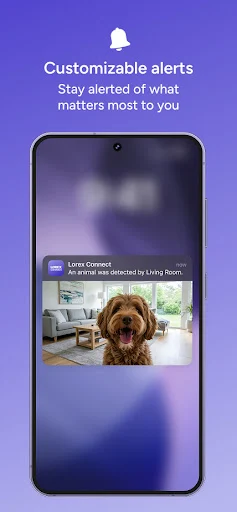
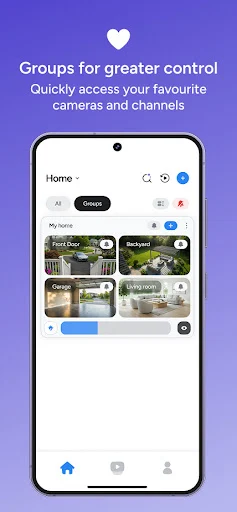
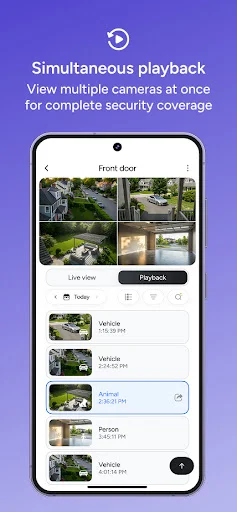
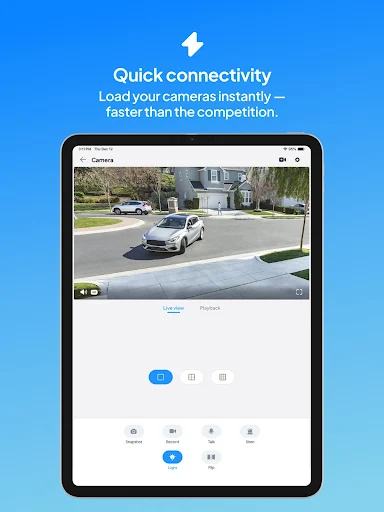
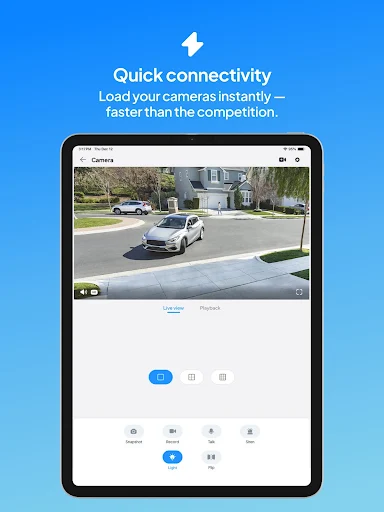
Click to download now, finish the installation quickly, and directly unlock the all-round experience
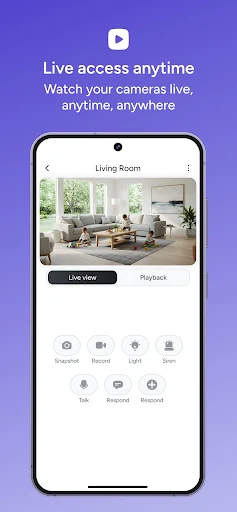
Lorex Connect is a tools app from LOREX CORPORATION for people using supported Lorex cameras or security systems. It lets you view live feeds and recorded footage, see multiple camera feeds at once, and organize devices into groups. You can also adjust alerts, including notifications intended to distinguish people, vehicles and other activity.
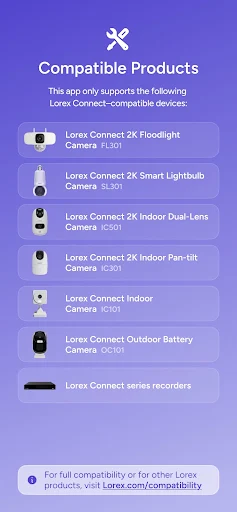
It is most relevant if you already have a compatible Lorex setup and want to check it from a mobile device. Confirm that your particular cameras or system work with this app before relying on it; the supplied information does not identify supported models. Features such as multi-camera viewing and AI-based alerts may also depend on your equipment or settings.
The app has a 2.79 rating from 77 ratings and 10,000+ installs. That is a limited pool of feedback, and the score suggests it is worth reading recent reviews for reports about your device type, connection reliability, or alerts. Ratings alone cannot confirm how it will work with your setup.
LOREX CORPORATION is the listed developer. Before committing, compare the app’s current requirements and policies with what you expect from your security system. The terms of service, privacy policy and cloud subscription policy are useful places to check for details the feature summary does not settle.